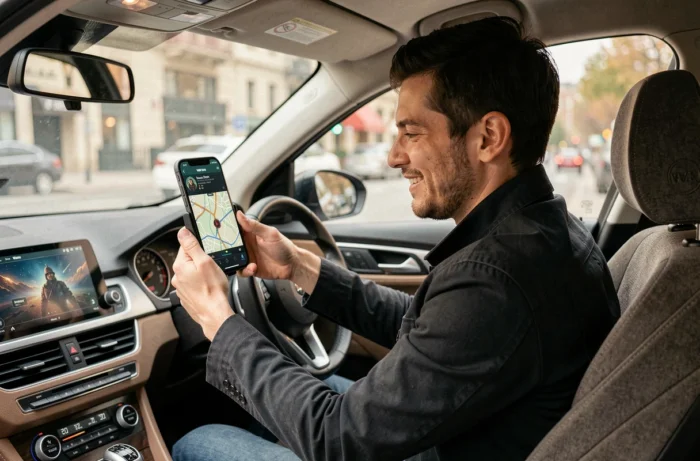
Waze allows you to replace the default navigation voice with themed voices, some of which are from the Star Wars universe. The principle is based on voice packs recorded by characters or actors, which replace the generic GPS instructions. Activating such a voice changes the tone of the directional instructions, but not their technical content: street names, for example, are never pronounced by these custom voices.
Custom Waze Voices and Street Names: A Technical Limitation to Know
The available Star Wars voices on Waze (C-3PO was one of the most popular) operate on a system of pre-recorded phrases. Each instruction corresponds to a fixed audio file: “Turn right,” “In 500 meters, take the exit,” etc.
The direct consequence: no custom voice pronounces the names of streets or cities. Only Waze’s default text-to-speech engine (or that of the Android/iOS system) can dynamically read a street name. By activating a Star Wars voice, the driver loses this oral information and must compensate by looking at the screen more often.
For city trips with close intersections, this limitation becomes bothersome. On the highway or on a simple route with few turns, the compromise remains acceptable. Before activating a themed voice pack, it is important to know that there is a detailed guide on Star Wars voices on Waze that lists the packs still available and their particularities.
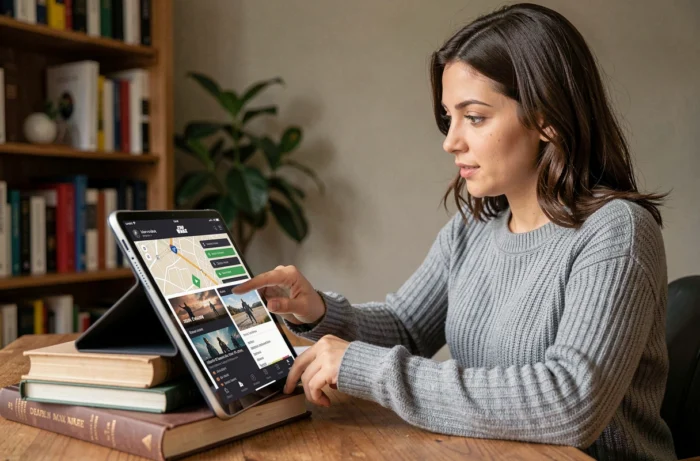
Activating a Star Wars Voice on Waze: Procedure for Android and iPhone
The process remains the same regardless of the chosen character. The difficulty is not technical, but rather finding an active pack: Waze regularly removes promotional voices related to movie releases.
Accessing Waze Audio Settings
In the Waze app, tap on the search icon and then on the gear icon (Settings). Then select “Audio and Voice,” followed by “Waze Navigation Voice.” The displayed list contains the default voices and the special voices available in your region.
Downloading and Activating the Voice Pack
If a Star Wars pack is listed, select it: the download will start automatically. Once completed, the voice immediately replaces the current one. For packs that are no longer displayed in the app, some users share direct links in the format waze.com/ul?acvp= followed by a unique identifier. Opening this link from a smartphone launches Waze and offers the installation of the pack.
- The C-3PO pack was offered during the release of Star Wars: The Force Awakens and is no longer guaranteed in all regions
- Voices recorded by Waze community users also exist, but their audio quality varies significantly
- On iPhone as well as on Android, the procedure goes through the same “Audio and Voice” menu in the settings
Waze’s “Less Chatty” Mode and Star Wars Voices: How to Combine Them
Waze introduced a “Less Chatty” mode that reduces the volume of voice instructions while driving. This mode retains safety alerts (speed cameras, reported hazards) but removes directional reminders deemed redundant by the algorithm.
The problem: activating a Star Wars voice and the less chatty mode simultaneously significantly decreases the frequency of thematic lines. The playful aspect of the voice pack almost completely fades away, as it is precisely the repetition of instructions that gives the impression of being guided by C-3PO or another character.
On a long trip, the less chatty mode makes the Star Wars voice nearly silent. The GPS only intervenes for decisive turns and alerts. To truly enjoy the sound ambiance, it is better to disable the less chatty mode in the audio settings.
Finding the Right Setting Depending on the Type of Trip
For a multi-hour highway trip, the less chatty mode combined with a classic voice offers better comfort. The Star Wars voice finds its ideal playground on short urban or suburban trips, where instructions are frequent.
The most effective compromise is to alternate between the two configurations depending on the context. Waze does not offer an automatic switch, but changing voices only takes a few seconds in the settings.
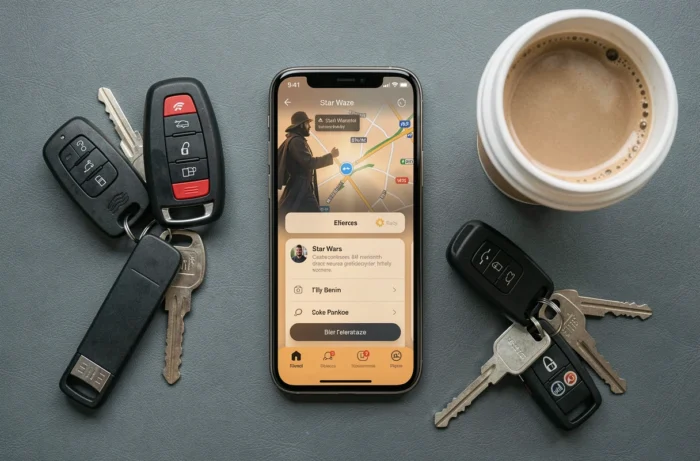
Availability of Star Wars Voices on Waze: What Remains Accessible
Promotional voice packs have a limited lifespan. Waze generally offers them in connection with movie releases or one-off partnerships with studios. Once the promotion ends, the pack remains active for those who downloaded it, but it disappears from the catalog for new users.
The Star Wars voices are no exception. The C-3PO pack, for example, no longer systematically appears in the list of available voices. Some download links shared on forums continue to work, but their longevity is not guaranteed.
- Regularly check the “Waze Navigation Voice” section in the settings: new packs appear without notice
- Community-recorded voices are permanently accessible, without time restrictions
- If you find a functional pack link, activate it quickly: it can be disabled on the server side at any time
The catalog of custom voices on Waze evolves without a public schedule. For Star Wars fans, the best strategy remains to activate a pack as soon as it is spotted and keep it in their settings. Even if Waze removes the pack from the catalog, an already installed voice continues to work until a potential major update of the app.